This has been driving me slightly bonkers – on a few of my machines my Visio has not been able to display stencils properly. In effect I get some random filled in shapes like this:
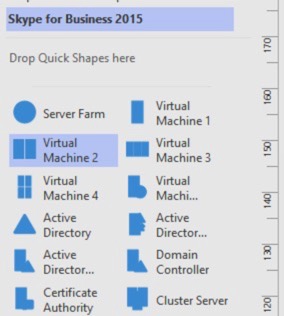
When of course it should look something like this:

Anyway, you know it’s going to be something simple, right? It was – themes.
On the design tab, make sure you have ‘No theme’ selected when you import/open your stencil. That way it won’t try and apply the theme to those stencils.

Things like this are enough to drive you to coffee.